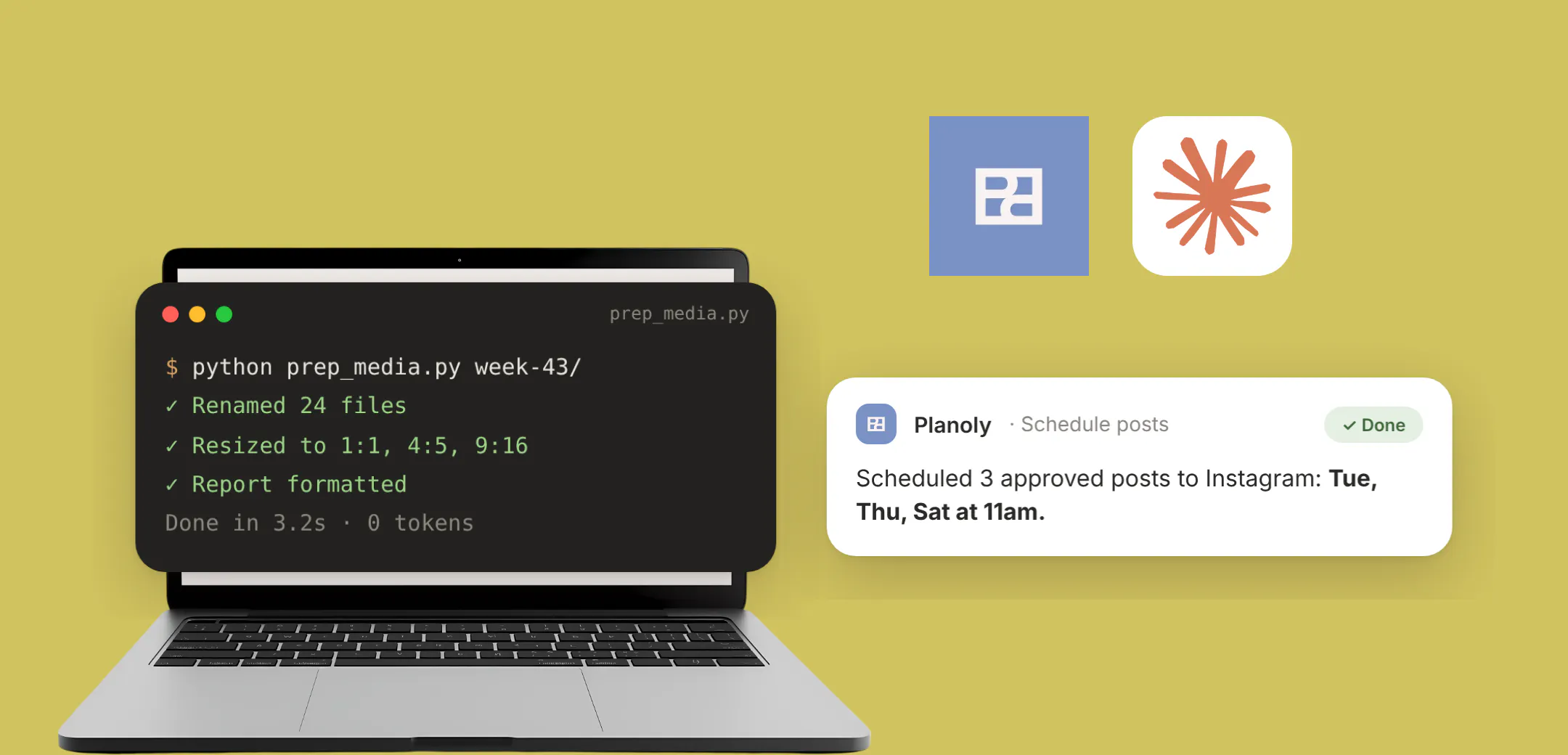
A folder of a hundred photos needs a hundred captions and a hundred posting times. None of that is the creative part.
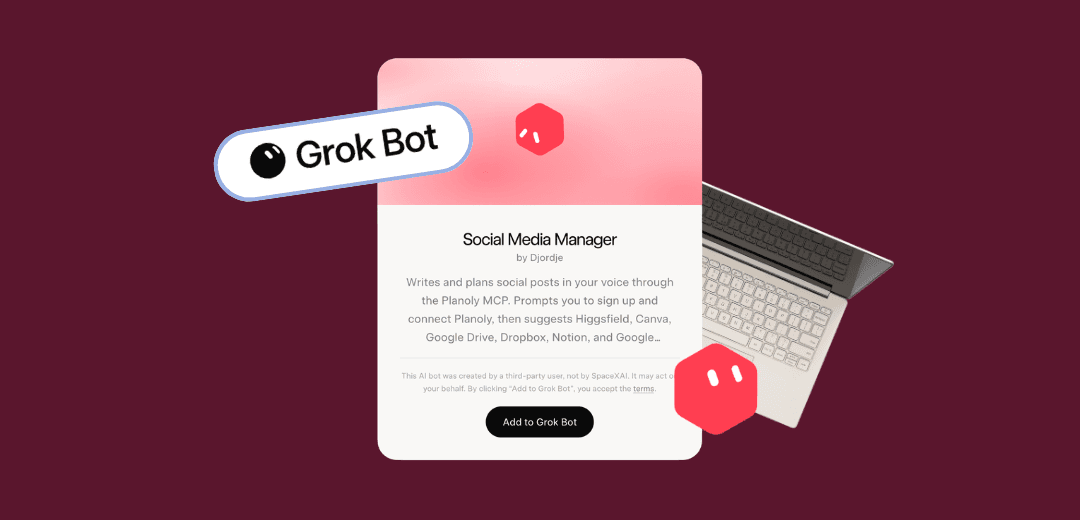
There's now a Grok bot that does it. It's called Social Media Manager, and it drafts, audits and schedules through the Planoly MCP. It never publishes or moves a posting time without an explicit yes from you.
What is the Social Media Manager Grok bot?
A bot you add to Grok once, which then shows up already knowing your social calendar. Through the Planoly MCP it reaches your channels, your posts and schedules, your media library and your Instagram analytics. If MCP is a new term, start with what an MCP connector is.
What can it actually do?
It runs ten skills.
- Brand interview. Your voice, audience and visual rules, before it writes any copy.
- Caption rewrite. Rewrites upcoming or draft captions in that voice.
- Library sweep. Captions items already sitting in your Planoly media library.
- Social audit. Reads the last 60 days of Instagram performance before planning anything new.
- 30-day content calendar. A month of posts from your brand file, your Planoly numbers and a few accounts you admire.
- Raw media to posts. Turns photos or video you drop in into drafts.
- Canva to carousel. Turns a Canva design or slide deck into a carousel draft with a caption.
- Weekly peer watch. Recent public posts from accounts you admire or compete with.
- Best-time fill. Schedules approved drafts, Instagram Best Time included, without publishing them.
- Monthly report link. A shareable Planoly report plus a read on what to make more of.
What routines can it run on its own?
Put it on a schedule and it comes to you with work already done. Three worth setting up.
- Monday brief. What the accounts you track posted last week, then which days of the coming week still have nothing scheduled, with a draft for each gap. You start Monday with a plan instead of a blank calendar.
- Friday sound check. It pulls what is trending on TikTok and in Instagram audio, matches it against the video drafts you already have queued, and suggests which sound to attach to which post. Sounds decay quickly, so Friday gives you something usable on Monday.
- Monthly review. The last 30 days of post performance and Instagram analytics, a shareable Planoly report link, and which format earned the most so you know what to make more of.
Why it matters: a routine that arrives with drafts attached is one you act on. A routine that arrives with a summary is one you close.
Does it post without me?
It won't publish anything on its own. You approve a plan, and from there Planoly can auto-post it across the channels you picked, so posts go out at their scheduled times without you present. Anything not set to auto-post reaches you as a reminder instead. It also needs Grok in an agent-capable mode; a plain chat can talk you through your calendar but can't touch it, which is the most common setup mistake.
What else can I connect?
Canva for design, and Higgsfield for generating images and video. Google Drive, Dropbox, Notion and Google Calendar are optional. Drop files in, type your dates, and it works without any of them.
What do I need to get started?
- Open the bot page and tap Add to Grok Bot.
- Sign in to Planoly and approve the connection.
- Run the brand interview first, so everything after it writes in your voice.
- Set the Monday brief, then leave it alone for a week.
Ready to try it?
Add the Social Media Manager bot to Grok, then connect your Planoly account. For the full Planoly MCP setup walkthrough, head to planoly.ai.