Should Claude Do My Weekly Social Task Every Time, Build Me a Script, or Use a Connector?
Last Updated:
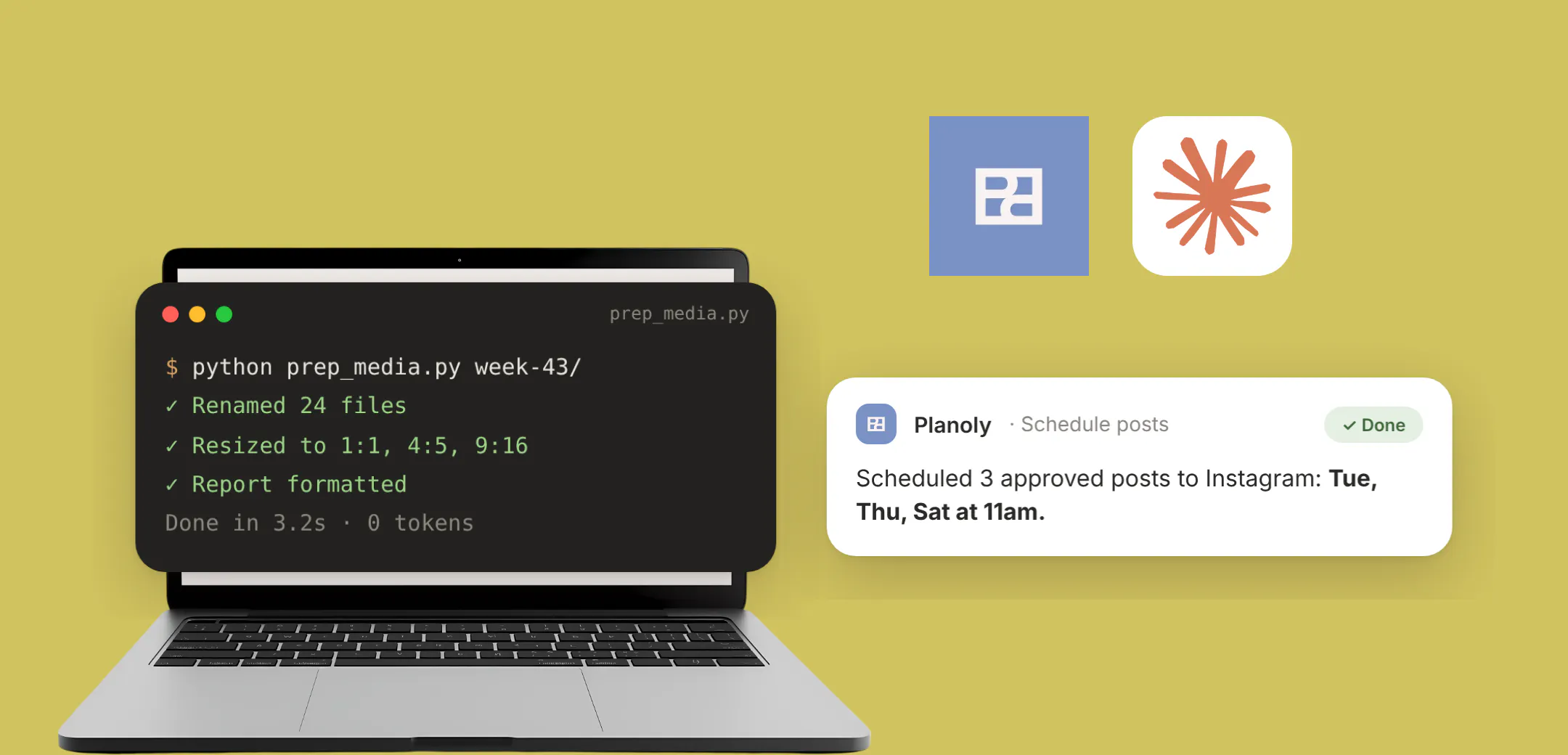
Have Claude write a script for the local, repeatable parts of your week, like resizing images, renaming files and formatting reports, and use a connector for anything that reads from or posts to a live social account. That split matters because the account-facing step is where credentials and platform approval come in, and a script on your laptop isn't built to hold either. For the wider context, our full guide to MCP covers how connectors fit into Claude.
This question took off this month. In an r/ClaudeAI thread about AI lifehacks with more than a thousand upvotes, the top comment was simple: "Have AI create a program to do the task instead of the AI doing it themselves." The thread's auto-summary put the consensus this way: "stop asking Claude to do the same task over and over. Instead, have it build you a standalone program, script, or app to do the task for you."
That's good advice for a lot of weekly work. It just doesn't cover every step of a social workflow.
When Is a Script Cheaper Than Asking Claude Again?
When the task is the same every time and only touches files on your machine. If you're asking Claude to resize the same batch of images every Monday, you're spending tokens on work that never changes. A script does it in seconds, costs nothing to rerun and keeps your files local.
A good test: if you could write the instructions once and they'd still be right in three months, it's a script job. One r/AI_Agents user described theirs as a tool that "just checks my calendar every morning and dumps a text file with my meetings on the desktop." Boring, reliable, done.
- Renaming exports. Turn camera-roll filenames into dated, campaign-tagged names.
- Resizing and cropping. Produce square, portrait and vertical versions of each image in one pass.
- Simple video edits. Trim, add a standard intro, or export at a set resolution.
- Report formatting. Turn a raw data file into the same layout your team reads every week.
Why it works: deterministic work belongs in deterministic code. You pay for Claude's reasoning once, when it writes the script, not every week.
Why Can't a Script Just Post to Instagram?
Because posting to a live account isn't a file operation. It means proving you're allowed to act on that account, keeping that access valid over time, and working within whatever rules the platform sets for publishing tools. Our guide on why calling the Instagram API directly doesn't work for AI posting goes deeper on the access side.
A connector is built for exactly that step. It holds the authenticated connection, so Claude can act on your account without you pasting credentials into a script or a chat. The Planoly Claude connector, for example, puts posts you've written and approved on your schedule and reads your post performance for connected Instagram, Pinterest, TikTok and LinkedIn channels (Facebook is scheduling only for now). It doesn't write captions for you; it handles the account-facing part.
Why it works: keeping credentials inside an authenticated connector, rather than in a local script, is the difference between a tool you can trust every week and one that breaks or leaks the first time something changes.
Which Jobs Go Where?
| Job | Script | Connector |
|---|---|---|
| Rename and organize this week's media | Yes | Not needed |
| Resize images for each format | Yes | Not needed |
| Trim or batch-export video clips | Yes | Not needed |
| Format a report from a file you already have | Yes | Not needed |
| Pull last week's post performance | No (needs account access) | Yes |
| Schedule approved posts to your account | No (needs account access) | Yes |
| Decide what to post next based on results | No | Claude, using connector data |
How Do the Two Fit Together in a Weekly Routine?
Run the local prep first, then let the connector handle the account step. Here's a Monday routine for a small business owner or social media manager:
- Run your prep script. It renames and resizes this week's media into a ready folder. No Claude tokens spent.
- Ask Claude for last week's results. Through the connector: "How did last week's Instagram posts perform, and which one should I build on?"
- Finalize your posts. Write or approve captions with Claude in the chat.
- Schedule through the connector. "Schedule these three approved posts for Tuesday, Thursday and Saturday at 11am."
- Format the report with your script. Feed it the summary so your team gets the same layout every week.
Why it works: each step uses the cheapest tool that can do it safely. Scripts handle files, the connector handles your account, and Claude spends its effort on judgment. If you want this to run on a timer, our guide to automating your weekly social workflow with Claude scheduled tasks picks up from here.
Ready to set up the account-facing half? The step-by-step Claude walkthrough on claude.planoly.ai covers connecting Planoly and running your first performance and scheduling prompts.
Frequently Asked Questions
Should I have Claude build me a script instead of doing the task every time?
For repeatable, local work like renaming, resizing or formatting, yes. A script saves tokens and keeps files on your machine. For anything that touches a live social account, use a connector.
Does building a script really save tokens?
Yes. You pay for Claude to write the script once. After that, running it costs nothing, while asking Claude to repeat the task uses tokens every time.
What's the difference between a script and an MCP server?
A script runs a fixed set of steps on your machine. An MCP server (connector) gives Claude authenticated tools to read from or act on an outside service, such as your social accounts.
Can Claude automate my weekly social media report?
Yes, in two parts. A connector pulls the performance data from your account, and a script Claude writes for you formats it the same way every week.
Does the Planoly connector write my posts?
No. It schedules posts you've written and approved and reads how they performed. The writing and the final call stay with you.