The ultimate TikTok scheduling tool for creators

Auto-post your content for TikTok directly from Planoly! TikTok planning shouldn't be so complicated. We've partnered with content creators and to build a tool to help you plan & organize all of your social content—all in one place.

Start 14-day free trial
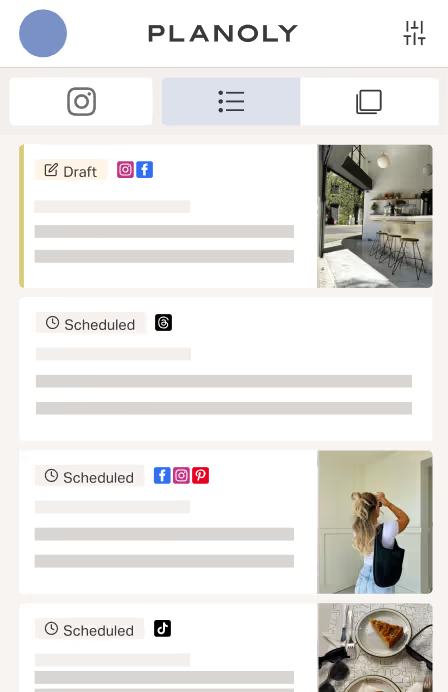
TikTok videos organized in the Planoly social calendar.
  • Planoly social channel connections

    Connect to all your social channels

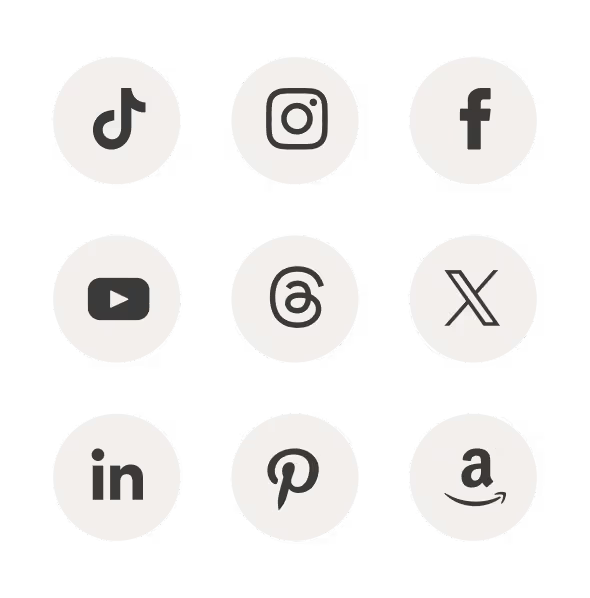
    Instagram, TikTok, Facebook, YouTube, Threads, X, LinkedIn, and Pinterest.

  • Planoly mobile planner

    Mobile app

    Plan from your pocket with our easy-to-use mobile app.
  • A post preview in Planoly

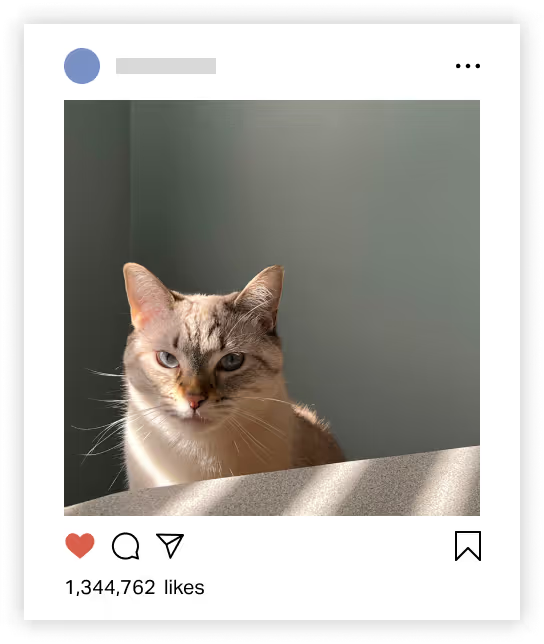
    Content previews

    Preview your grid and your posts before you hit schedule.
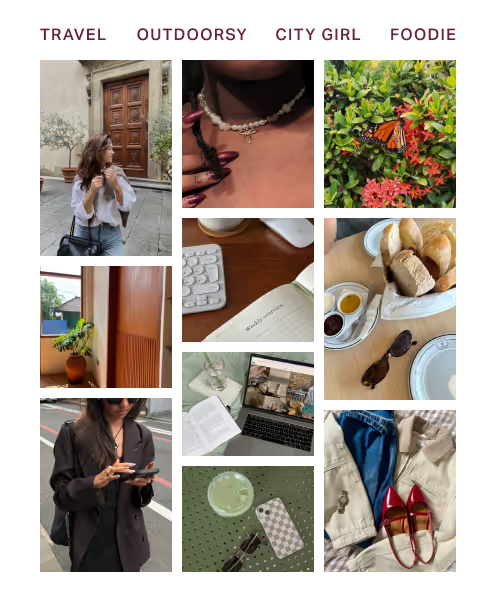
  • A Planoly grid preview using creator stock photos

    Elevated stock photos

    Access creator-centric stock and video imagery for every aesthetic (from cottagecore to light academia) with our Dupe integration.
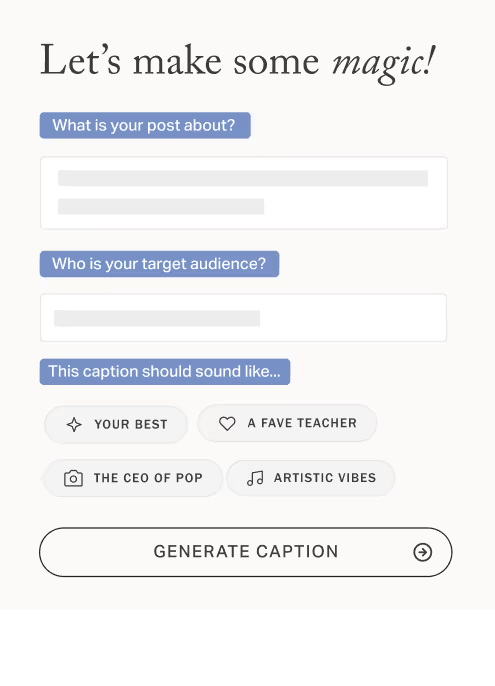
  • Planoly’s AI caption writer

    AI Caption Writer

    Fight writer’s block with our AI caption writer.
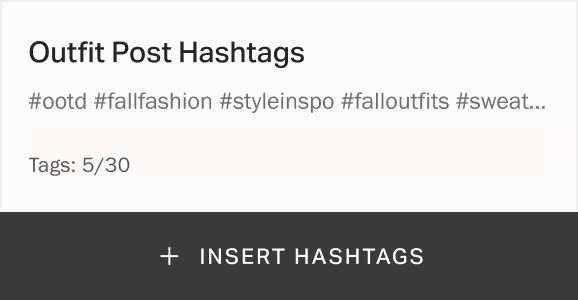
  • The Planoly Hashtag Manager

    Hashtag Manager

    Save your hashtags in organized groups, making it easy to add them to any post.
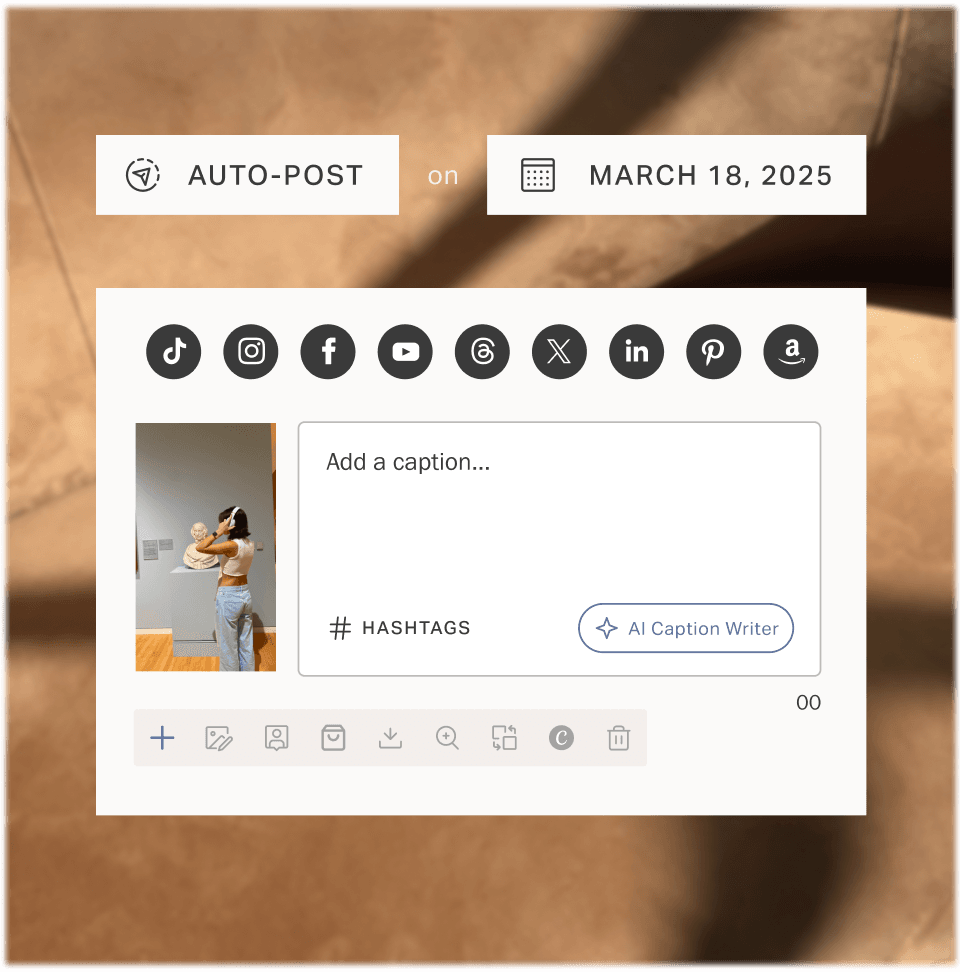
  1. A TikTok video being scheduled across several social channels.

    Bring your TikTok strategy to life

    Plan your social content for TikTok and repurpose for Instagram, YouTube , Facebook, Pinterest, LinkedIn & Twitter all in one place.
    • Upload, plan & schedule videos for every channel
    • Customize the captions & scheduling times by channel
    • Invite team members, brands, and clients to collaborate on upcoming videos
    • Auto-post your TikTok content
    Learn more
  2. Weekly TikTok trend ideas displayed in the Planoly calendar.

    Stay on top of the latest trends

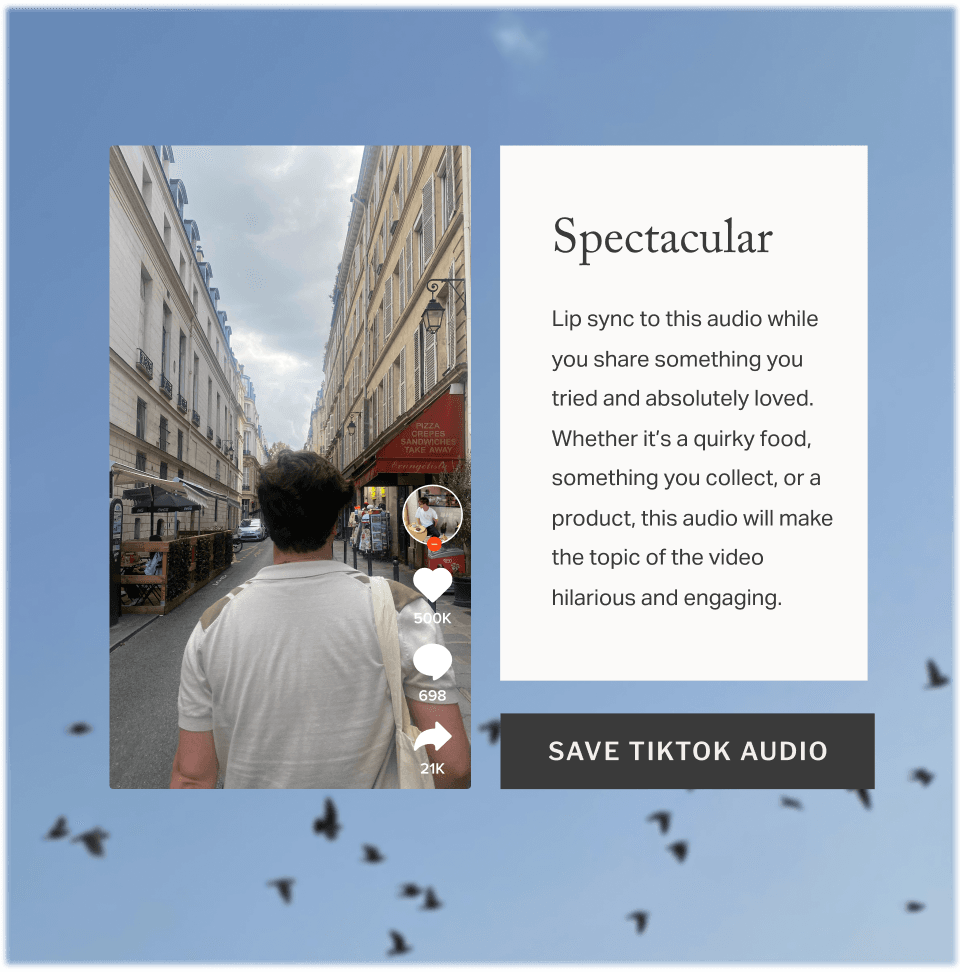
    Not sure what to post on Tiktok? Each week, our social experts curate a new list of trending sounds and videos directly in the Planoly calendar.

    • Get 3 trends ideas every Monday
    • Easily save audio for TikTok or Instagram to refer back to when you're ready to create
    • Repurpose the ideas for your own brand or business
    Learn more
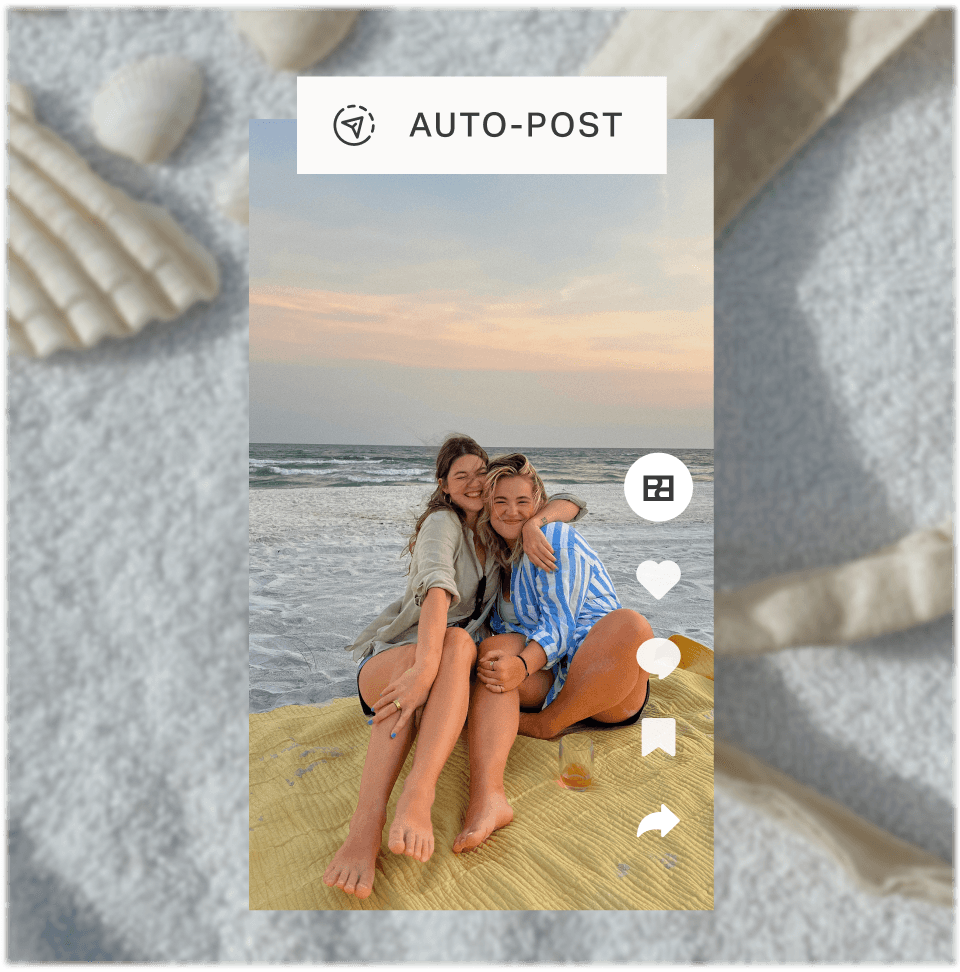
  3. A TikTok video preview showing the platform safe area.

    Preview your TikToks before posting

    See what your content looks like prior to publishing.

    • Quickly see what videos look like prior to posting
    • Ensure no important text is cut off by TikTok navigation or icons
    • Be confident that what you auto-post will visually appeal to your audience
    Learn more

Build your audience on TikTok

Repurpose your content across your other social channels in one place

14-days free trial