
Create & schedule
- Grid posts, carousels, Reels & Stories
- Schedule, reschedule, or unschedule
- Hit Instagram's "Best Time" slots
- Draft first — publish when you say



Connect Planoly to Claude or ChatGPT and ask in plain language to build posts, schedule content, and pull analytics — all without leaving your chat.
Get started free


Here are the images I pulled from your Media Library for your upcoming week of content.

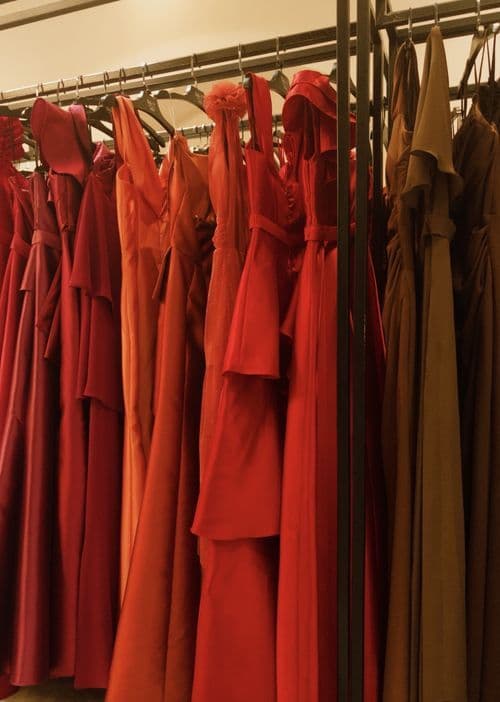


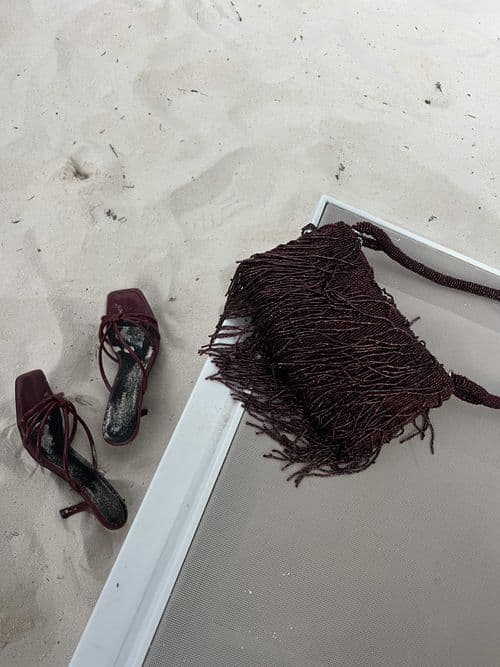

No special syntax required — just ask in your own words. From a single caption to a full week of content, your assistant handles the busywork so you can stay focused on the parts that actually need your creativity.
The average creator spends hours a week wrangling captions, hashtags, and schedules. Hand the busywork to your AI and keep the part you love — the creating.

Paste any of these into your AI chat once you're connected.
“Using Planoly, list my connected channels.”
“Create a draft Instagram grid post from my media library and write a short on-brand caption.”
“Schedule my 5 draft posts one per weekday at 9am starting Monday.”
“Show me how my Instagram account did over the last 30 days.”
“Summarize what formats and themes are working for @[account].”
“Generate a shareable Instagram performance report for the last 30 days.”
Media library, analytics, and shareable reports require a paid Planoly plan. On the AI side, connector support depends on your Claude or ChatGPT plan.
Make sure you completed the authentication step — the browser popup where you click Allow.
Your media likely doesn't meet the platform's requirements — the assistant will tell you exactly what to fix.
No — the assistant confirms before publishing, posting, or deleting anything.

This feature is in early alpha and isn't enabled for every account yet. Request access below and we'll get you set up.
As an alpha feature, setup steps and available capabilities may change as we refine it.Get started free