Free content and strategy guide · Real estate
A full week of posts, done in one sitting.
Instagram, LinkedIn and YouTube for agents who are out in the field most of the day, plus a steal-this library of post templates.
- YouTube
- Canva-ready templates
This week, scheduled
Autopublish on- Mon
- Tue
- Wed
- Thu
- Fri
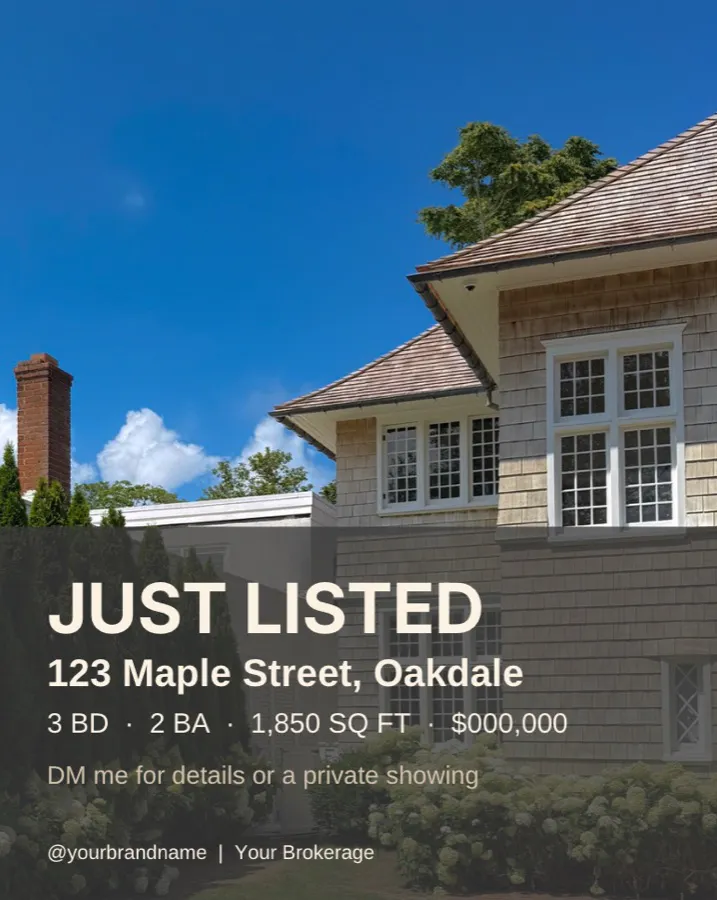
- Just Listed carouselInstagram · Mon 9:00
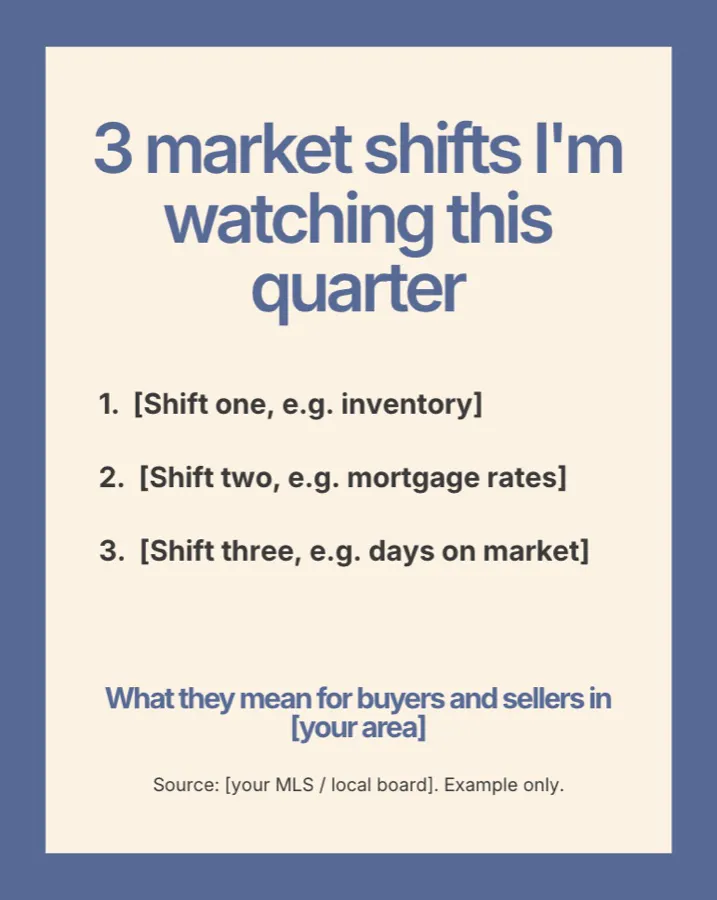
- Market pulse postLinkedIn · Thu 8:00
01 — Why social matters
Your next client looks you up before they ever call.
- 33%
of buyers say online research played a key role in choosing their agent.
Source: Zillow, 2025 Consumer Housing Trends Report for Agents
- 39%
of agents say social media produces their most quality leads.
Source: NAR, 2025 REALTORS® Technology Survey
- 47%
of buyers hired the first agent they contacted.
Source: Zillow, 2025 Consumer Housing Trends Report for Agents
“Instagram and LinkedIn have become paramount to our lead generation.”
02 — The fix
Schedule all your content in one sitting
Between showings, open houses and closings, you’re out of the office about 90% of the day, so posting “when you have a minute” means posting rarely. Block one sitting a week, line up your posts, and schedule them ahead with a tool like Planoly. You look like an active broker every day, and you’re fresh in front of anyone new who finds you.
Connect your socials
Hook up Instagram, LinkedIn and your other accounts in one place, so you plan everything from a single view.
Schedule days ahead
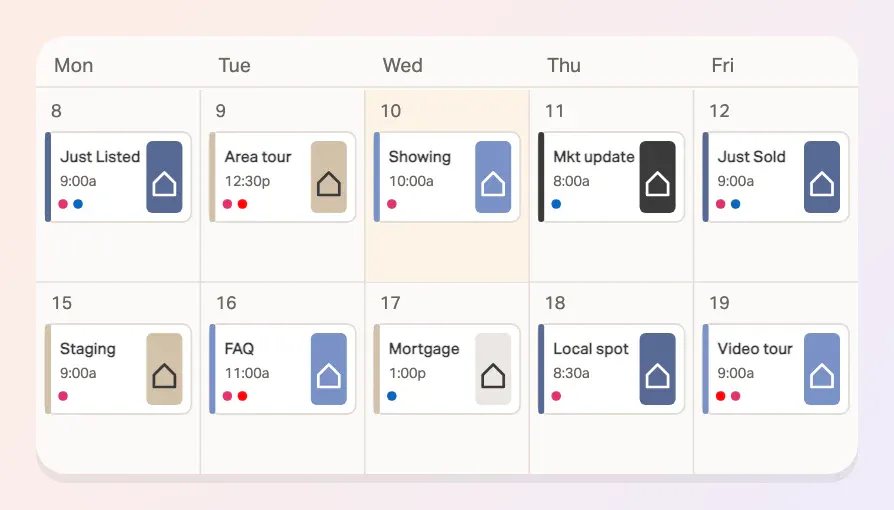
Drop in a week of posts on a Sunday night or a slow Tuesday, and pick the day and time for each one.
Autopublish
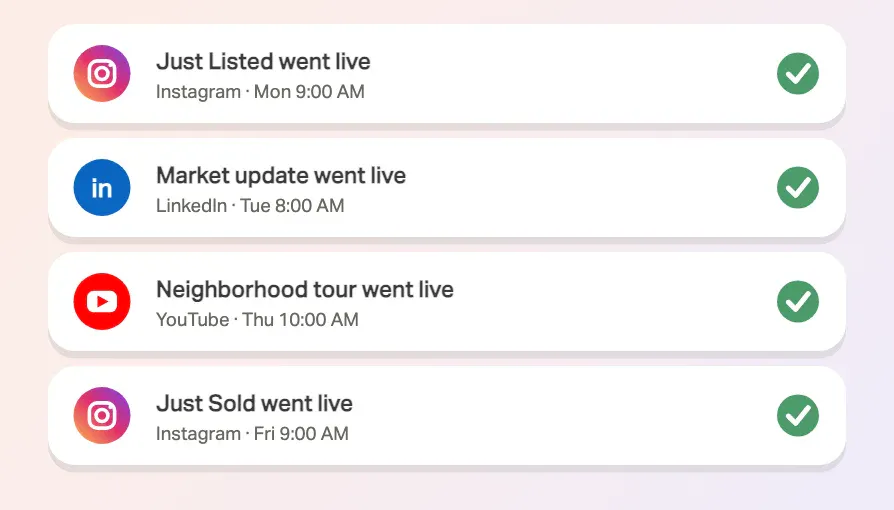
Posts go live on schedule while you’re out at a showing. No reminders, no last-minute scrambling.
“Even if I convert one person per month from Instagram, it pays for itself.”
14-day free trial. Schedule your first week today.
03 — The big question
“But what do I post?”
Everyone gets stuck here. Steal a template below: drop in your own photos, edit the caption, and schedule.
04 — The content library · Part 1
Recurring listing templates
Every listing and every close is a post. Set these up once and reuse them each time.
House listing: Just listed
Just listed on Maple Street. A sunlit kitchen opens to a fenced backyard, and the home is steps from the park. Open house Saturday 1–3. DM me for details.
Open in Canva ↗canva.link/7qggboke6ynvoa7Then schedule it in Planoly.Try Planoly free →House sold: Just sold
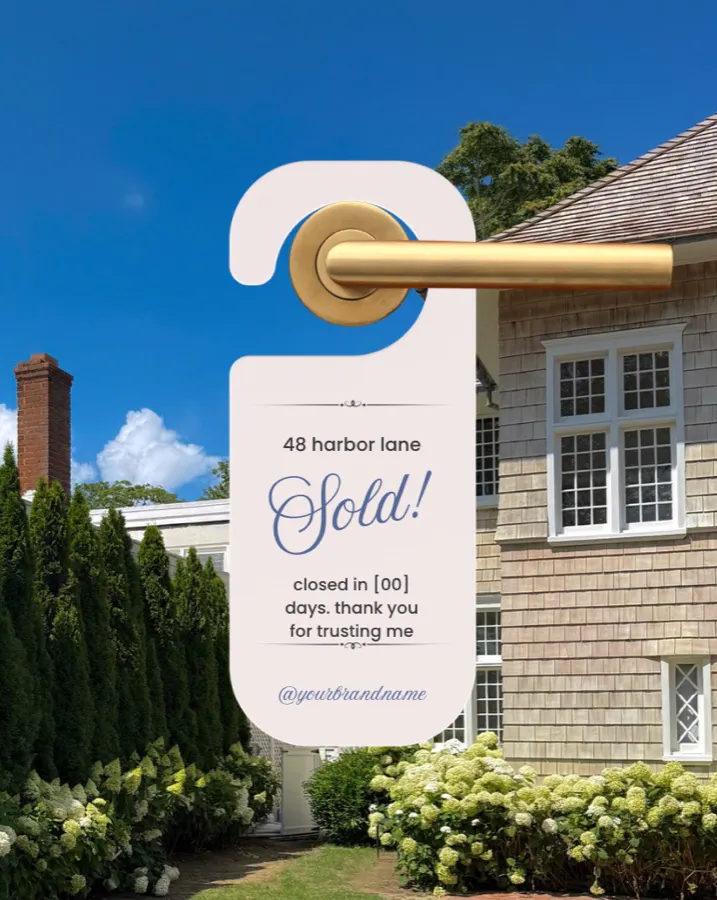
Just sold: 48 Harbor Lane. Congratulations to the new owners, and thank you for trusting me with the process. Thinking about selling? Let’s talk about your timeline.
Open in Canva ↗canva.link/lizdzhlexha86ieThen schedule it in Planoly.Try Planoly free →Next step
Add your photo. Schedule it in Planoly.
Open a template in Canva, drop in your own image, then line it up on your Planoly calendar and let it autopublish. Free for 14 days.
Try Planoly free
04 — The content library · Part 2
Recurrent content templates
Formats you can run every week or month, in your own voice, for your own area. Steal any of them.
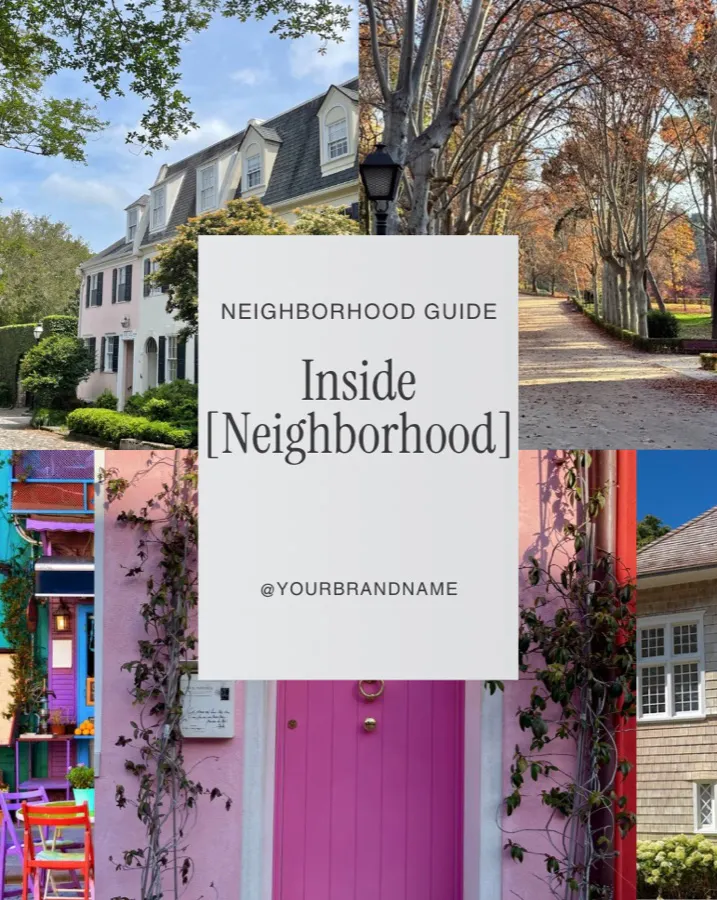
Neighborhood breakdowns
Neighborhood breakdown: Riverside. Tree-lined streets, a Saturday farmers market, and a 10-minute walk to the train. Here’s what a regular day looks like here.
Open in Canva ↗canva.link/421uqpfqouw2dqbThen schedule it in Planoly.Try Planoly free →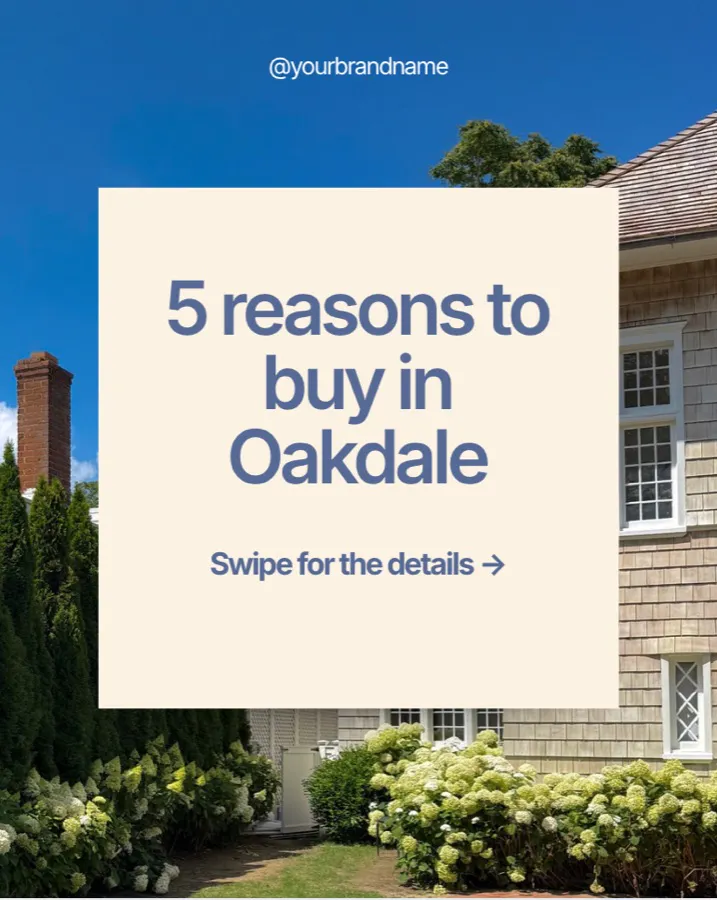
Listicles
5 reasons Oakdale keeps coming up in my conversations: [reason 1], [reason 2], [reason 3]. Which would you add? Save this for later.
Open in Canva ↗canva.link/j8er3f18ww6p7lwThen schedule it in Planoly.Try Planoly free →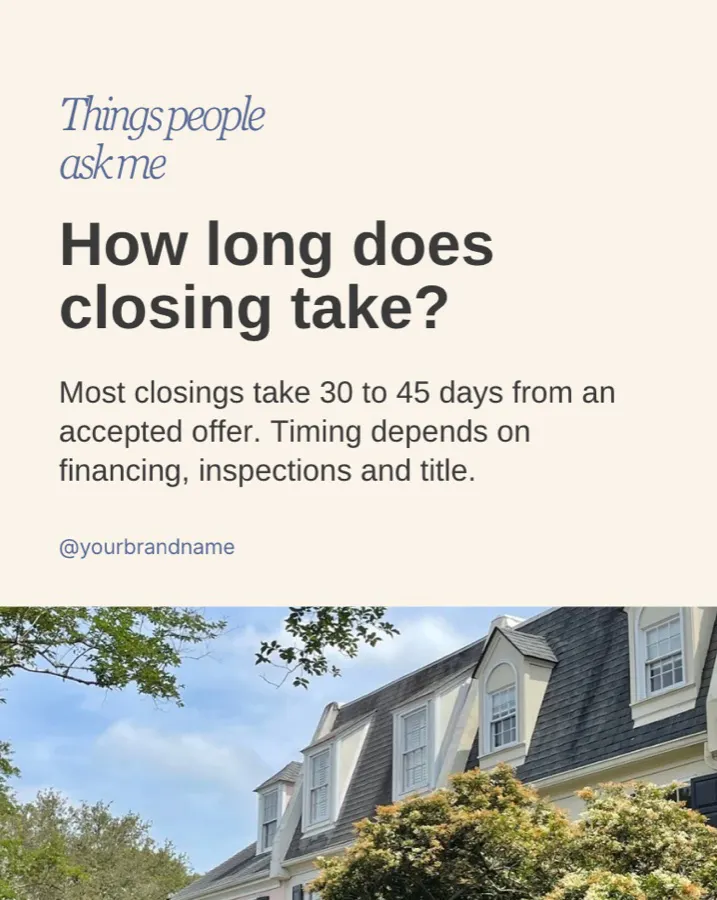
FAQs people ask me
Q: How long does closing usually take? A: [your local timeline]. Here’s what happens at each step. Got a question? Send it my way and it might be next.
Open in Canva ↗canva.link/9nsp8w38p1dbc2uThen schedule it in Planoly.Try Planoly free →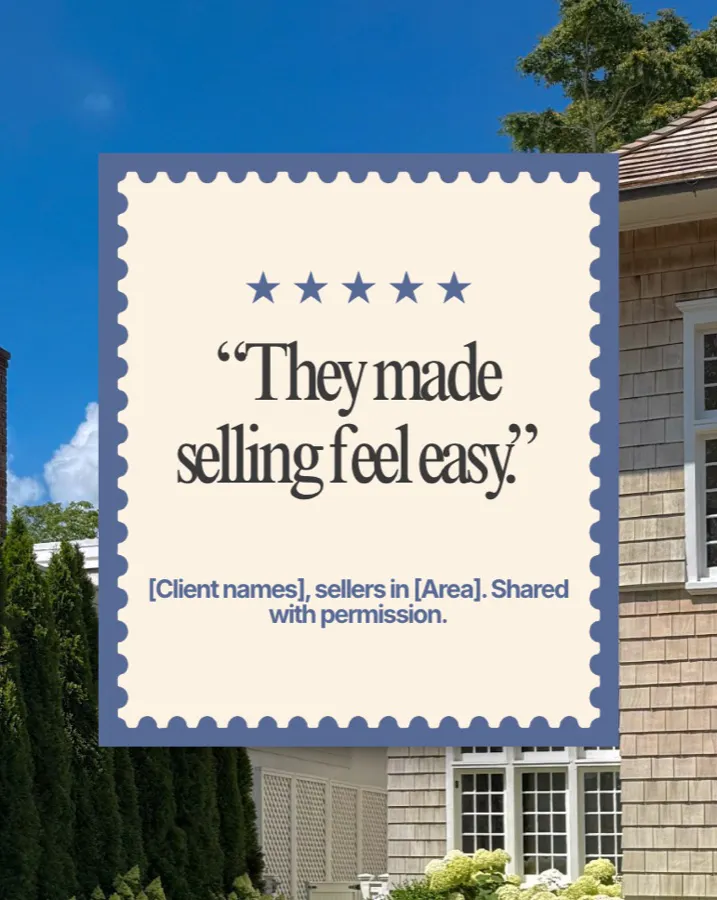
Video testimonials
[Client first name] on their experience buying in [area]. Use their words, with their written OK. Thank you for trusting me!
Open in Canva ↗canva.link/7o84vvsv3vqxgh0Then schedule it in Planoly.Try Planoly free →
Mortgage-math explainers
How a monthly payment is built: principal, interest, taxes, insurance. Your numbers will differ, so talk to a lender about yours. [Partner lender name]
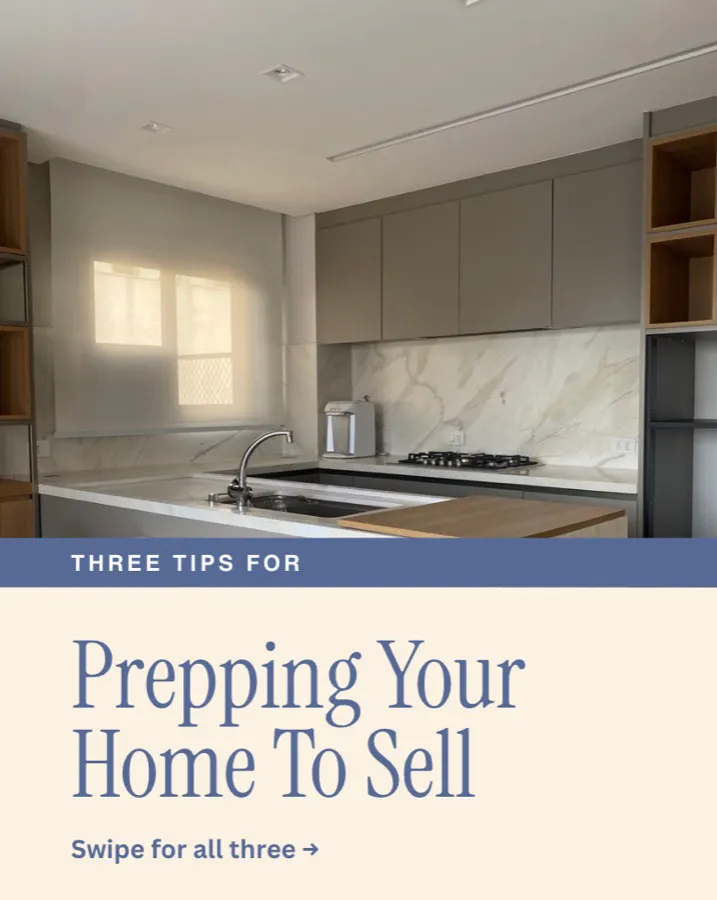
Open in Canva ↗canva.link/7uomrfnnq1ncso0Then schedule it in Planoly.Try Planoly free →Home prep tips
One small fix that makes a listing photograph better: [your tip]. Save this for your prep checklist.
Open in Canva ↗canva.link/9rca26qyjy7xak8Then schedule it in Planoly.Try Planoly free →
Industry trends
Three shifts I’m watching in our local market this quarter, and what they mean for buyers and sellers.
Open in Canva ↗canva.link/kvmmy6p4279rmdlThen schedule it in Planoly.Try Planoly free →- Market pulseWhat we’re seeing
What we’re seeing
Market pulse: here’s what I’m seeing in showings and offers this month. Questions about your street? Send me a message.
Open in Canva ↗canva.link/r576yg2a21us9njThen schedule it in Planoly.Try Planoly free → 
Behind the numbers of a deal
How one recent deal came together, step by step, from first offer to keys. Shared with the client’s permission, no confidential details.
Open in Canva ↗canva.link/bklishhdvnew9jbThen schedule it in Planoly.Try Planoly free →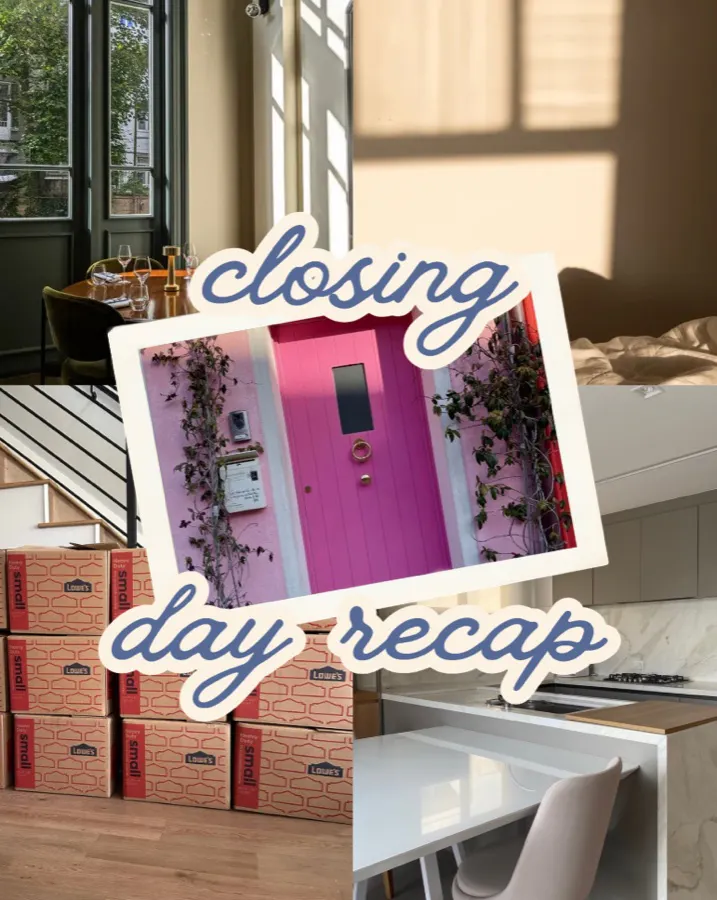
Closing moments
Closing day at [town]. The handoff, the photo, the smile. Congratulations to the new owners! Shared with their permission.
Open in Canva ↗canva.link/5wqx0nt73307ab0Then schedule it in Planoly.Try Planoly free →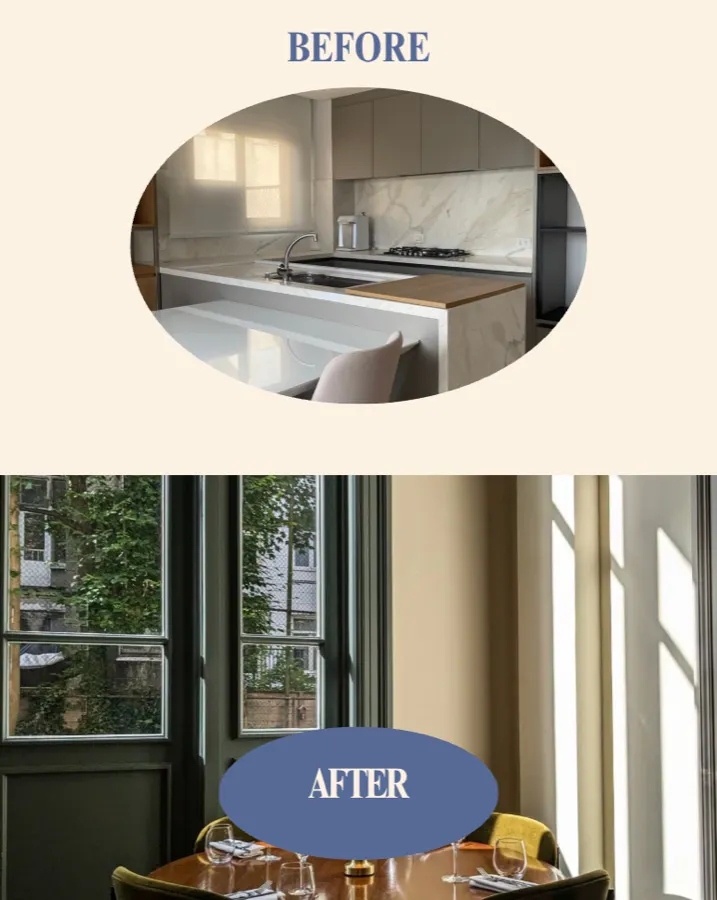
Staging before-and-afters
Same room, different story. Here’s what [small change] did for this space. Swipe to see the before.
Open in Canva ↗canva.link/ixatrypg4vas6ktThen schedule it in Planoly.Try Planoly free →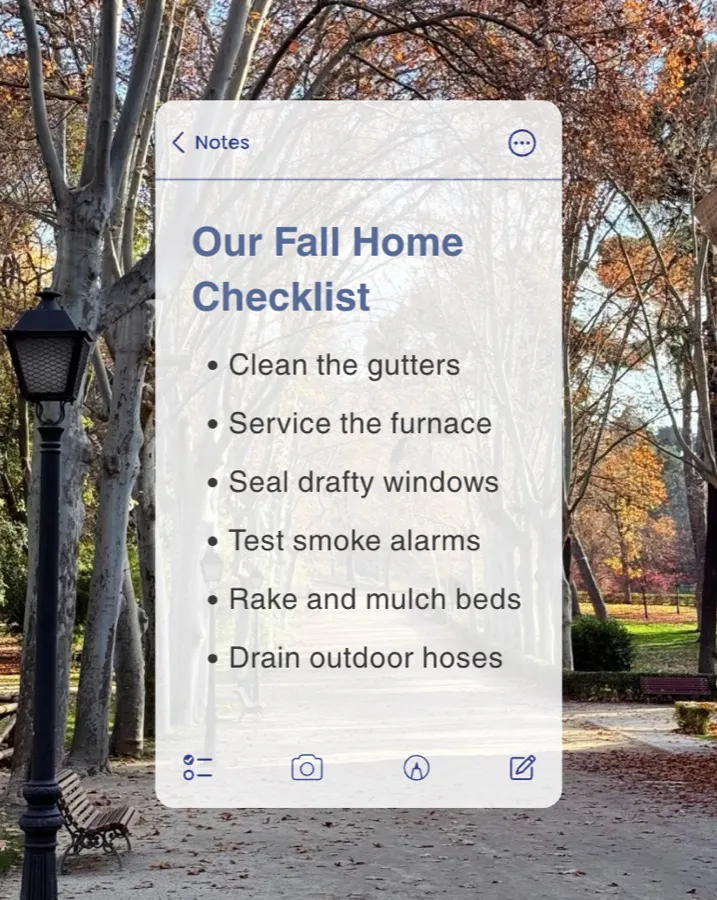
Seasonal homeowner tips
Five things to check before the season changes: [item 1], [item 2], [item 3]. Save it, share it with a neighbor.
Open in Canva ↗canva.link/sgx7vzvzup58h0vThen schedule it in Planoly.Try Planoly free →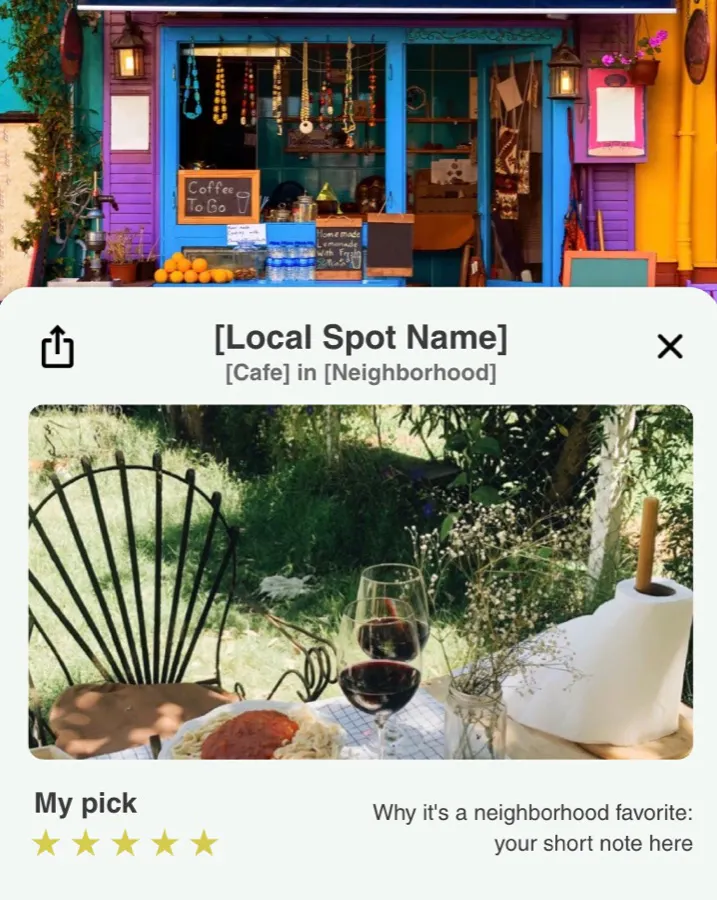
Local spotlight
A café, trail or shop I send everyone to when they spend a weekend in [neighborhood]. Tag the owner!
Open in Canva ↗canva.link/8f8qsmm9ef63n7jThen schedule it in Planoly.Try Planoly free →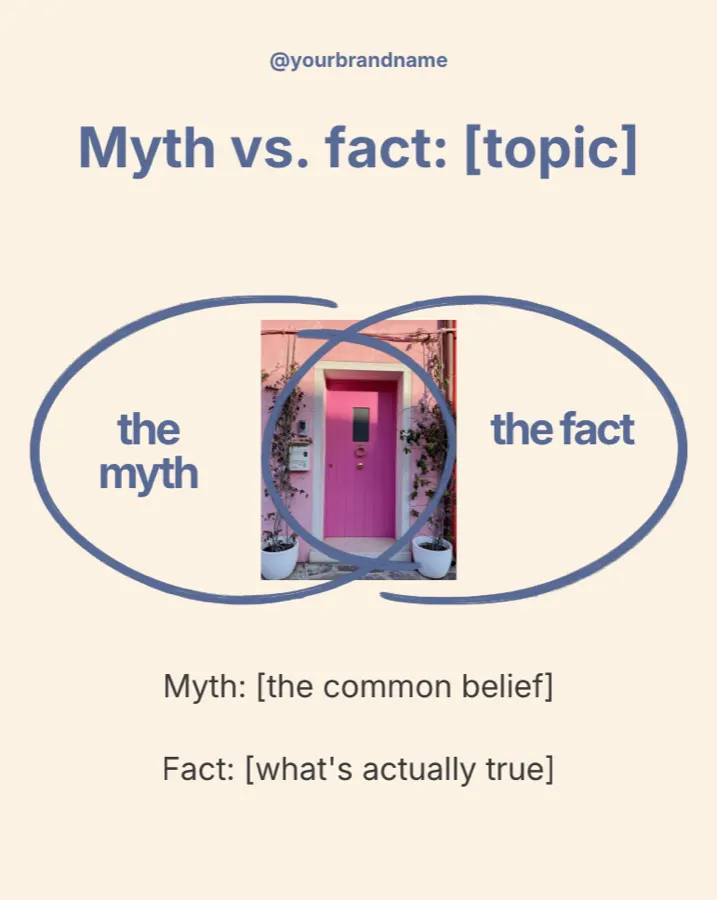
Myth vs. fact
Myth: [common belief]. Fact: [your answer]. Swipe for the details.
Open in Canva ↗canva.link/g8av5hs1s1gib79Then schedule it in Planoly.Try Planoly free →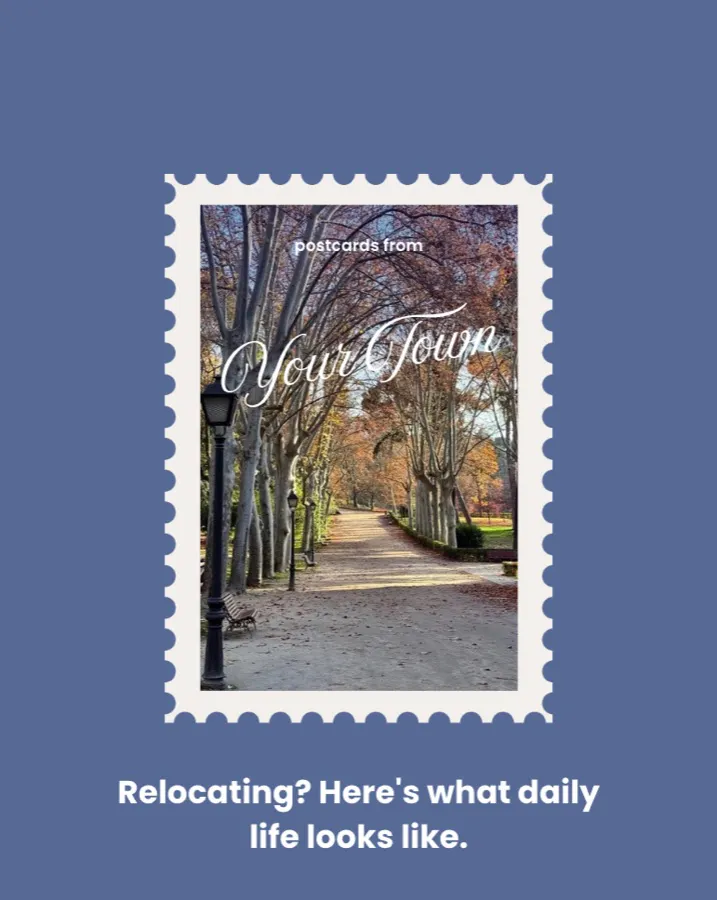
Relocation lane
Moving to [city]? Here’s what I’d want to know: [commute, schools nearby, weekend spots, what the housing looks like]. Ask me anything.
Open in Canva ↗canva.link/z8932e7x4jzc5e5Then schedule it in Planoly.Try Planoly free →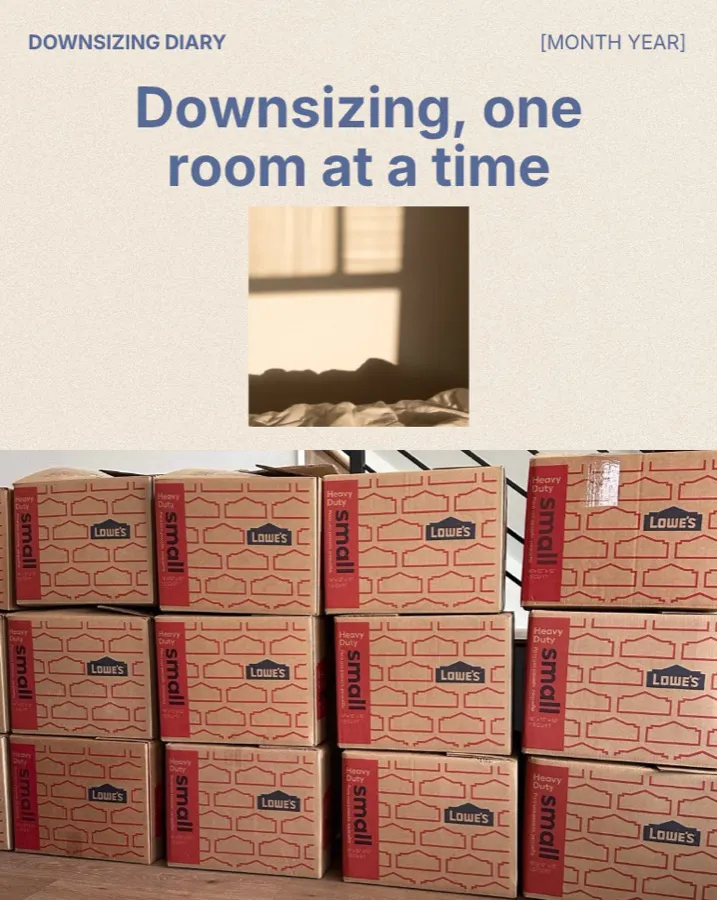
Downsizing lane
Thinking about a smaller home with fewer stairs and less upkeep? Here’s how I’d map out the timeline: [step 1], [step 2], [step 3].
Open in Canva ↗canva.link/6w3p69dz4qyg4hbThen schedule it in Planoly.Try Planoly free →![A call screen for "[Partner name]" over a dining room, titled "The pro I call first".](https://planoly-prod.imgix.net/website/shared/authored/realestate/referral-partner-collabs-a7d8d08b0c9f62d711f58781108d64cbde6ba70f6be52aa8a5f5e16334f5975d.jpg?auto=format%2Ccompress&fit=max&w=3840)
Referral-partner collabs
A quick conversation with [partner name], [lender / stager], about what they tell sellers and buyers before the first showing. Tag your partner!
Open in Canva ↗canva.link/jgz42trcxnagn8mThen schedule it in Planoly.Try Planoly free →
Stories polls
Poll sticker: [Option A] or [Option B]? Every vote is a reason to start a DM conversation.
Open in Canva ↗canva.link/0ygbyuzsr2bkonaThen schedule it in Planoly.Try Planoly free →
Three habits that make it stick
Keep it simple, and keep showing up.
Rotate three types
Educational, personal and property. A feed of only listings gets scrolled past, so mix in tips, behind-the-scenes and local community.
Pick one home base
Posting everywhere is the fastest route to burnout. Start on Instagram, LinkedIn or YouTube, then repurpose each idea instead of starting over.
Turn views into DMs
Set up your profile like a landing page: your area in the bio, one clear call to action, one link. End posts with a keyword like “Comment GUIDE.”
A note on b-roll
Templates look legit when the background does.
Grab everyday realtor moments as you go: a key handoff, a sign going up, a coffee between showings. Or use local city and town imagery as backdrops. Planoly also has real estate templates and media to start from.
- Exterior shot
- Kitchen detail
 Street scene
Go one step further
Let Claude run your socials, too.
Templates give you the look. Connect Planoly to Claude and the same conversation can write your posts, line them up on your calendar, queue them to autopublish, and tell you what’s working. Hand off the busywork and get your hours back.
Start here · Takes 2 minutes
Do these two steps first, or the prompts below won’t work. It’s the most secure way to give Claude access to your socials.
Connect your socials to Planoly
Link Instagram, LinkedIn, YouTube and your other accounts in one place, so you get a single planner for everything you post.
Create Planoly account →Add the Planoly Claude connector
Once your socials are connected, click below. Or just tell Claude:
add the planoly claude connectorAdd the Claude connector →Paste a prompt and review
Open a chat with Claude and paste one of the prompts below. Claude shows you everything before it goes out, so nothing is published without your OK.
You’ll need a paid Claude plan (Pro, Max, Team or Enterprise). The free tier can’t use connectors.
Repurpose
Here are the details of my new listing: [address, beds/baths, features, nearby spots, open house time]. Describe the home and the area only, never the type of person who should buy it.

Create 4 posts: a Reel caption, a photo carousel, a Story poll, and a LinkedIn post. Using my Planoly account, schedule them across next week at good times for each channel, and leave them as drafts so I can review.
Weekly batch
Plan my next 5 days of posts for [Instagram / LinkedIn / YouTube] using this mix: one tip, one personal, one listing with context, one community, one educational graphic. I'm a [role] in [city].

Write the captions, then schedule them in my Planoly account as drafts and tell me what media I still need to add.
Review
Look at my last 30 days of posts in Planoly. Which formats got the most saves, comments and profile visits? Tell me what to post more of next month, and draft next week's plan around it.Ask Claude to keep score and keep you compliant, too: a weekly recap of posts shipped and profile visits, and a check of every draft against Fair Housing, your MLS rules and your brokerage’s requirements (general guidance, not legal advice). More prompts for posting from Claude live at claudeguide.planoly.ai.
Never go quiet on social again.
Get every template in the real estate library, free, and schedule them in Planoly with a 14-day free trial.
Try Planoly free